
If you run a business, you know how important it is to keep everything safe, especially your emails and computer systems. Many companies now use Co Managed IT Services to get extra help protecting their technology.
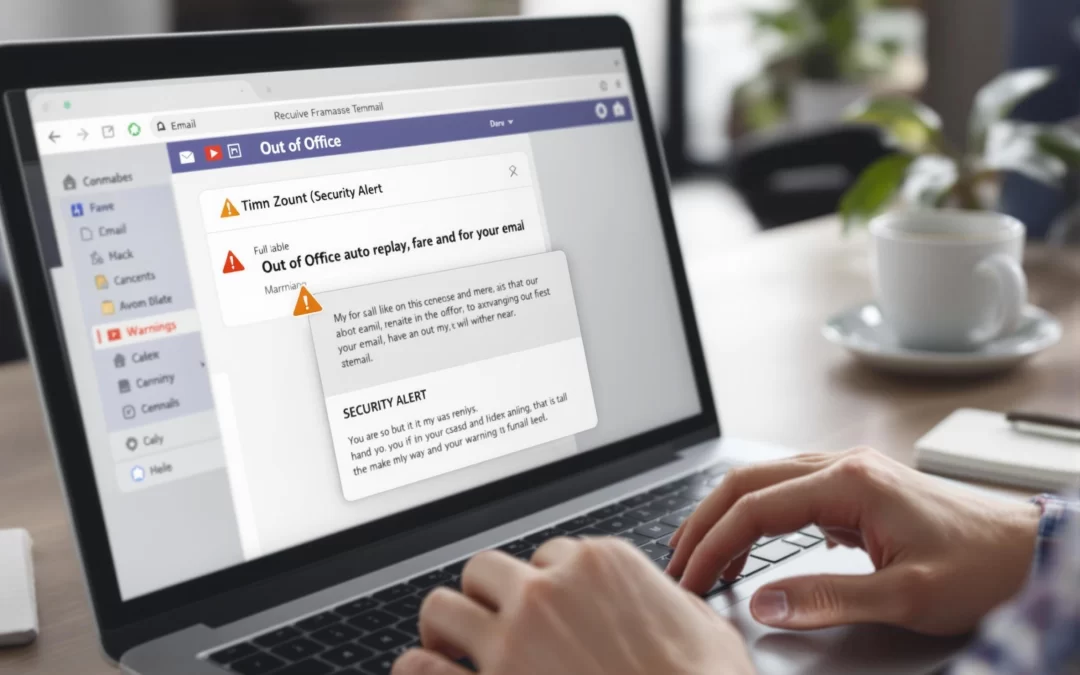
But one thing people often forget is their vacation auto-reply emails. These auto-replies can give hackers the information they need to attack. When you set an auto-reply before your vacation starts, Your email sends messages like: “Hi, I’m out of the office.” It also says when you will return and who to contact instead. For example, it might say: “Contact [coworker’s name and email].”
This sounds helpful and polite — it lets people know you are away and who to contact instead. But what you may not realize is that this simple message can be very useful for cybercriminals. It helps them plan attacks that can steal money, personal data, or company secrets. So, while you’re relaxing on vacation, your auto-reply could be helping hackers find a way inside your business systems.
Your auto-reply usually tells:
- Your name and job
- When you are gone
- Who will help while you’re away (with their emails)
- Maybe even why you’re gone (like a trip or conference)
Hackers use this info to:
- Know when you’re not checking emails.
- Find out whom to fake or target in your company.
This is a big chance for scams like phishing or business email fraud.
How the Scam Happens
- Your auto-reply sends the message.
- A hacker pretends to be you or your helper.
- They send a fake urgent email asking for money or private info.
- Your coworker thinks the email is real and helps.
- You come back and see a big problem, like money lost.
This is common and worse for companies where people travel a lot and others handle their emails.
How Our Managed IT Services in Dallas Can Keep You Safe
You don’t need to stop using auto-replies, but follow these tips to stay safe. Managed IT services in Dallas can also help protect your business from email risks
1. Keep Your Message Simple Don’t say too much or name helpers unless needed. Example: “I’m out of the office and will reply when I’m back. For help, contact our main office at [phone/email].”
2. Teach Your Team: Don’t trust urgent emails about money or private info without checking first. Always confirm by phone or in person if the request is strange.
3. Use Email Security Tools: Good email filters and protections stop fake emails from reaching you.
4. Use Multi-Factor Authentication (MFA): MFA means even if a hacker gets a password, they can’t get into your email easily.
5. Work with an IT Partner Who Watches Your Systems: A good IT team can find hacking attempts early and stop problems fast.
Want To Vacation Without Becoming a Hacker’s Next Target?
Our Certified Cyber security experts know how to keep your emails and data safe from harm. After identifying weak spots, our experts provide easy ways to address them. Addressing these issues helps keep your business safe and secure.
Click Here to Book a FREE Security Checkup.